
40 hours
System setup & configuration
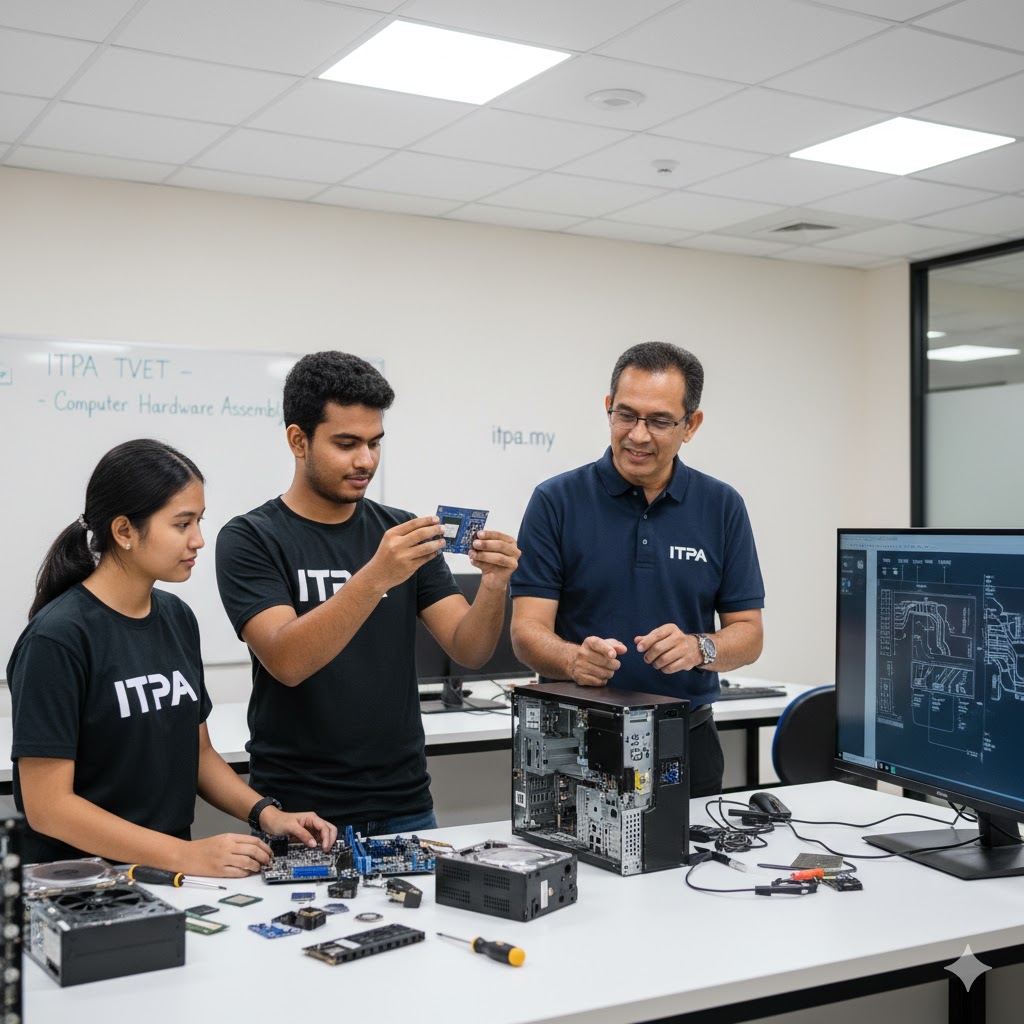
Prepare equipment, assemble components and configure operating systems, drivers, software and peripherals.
- Hardware preparation
- OS and application installation
- User and device configuration
SKM · IT-020-3
Build a practical foundation in configuring, maintaining and troubleshooting computers, servers and networks—while learning how to support real users clearly and professionally.
Curriculum
The programme progresses from individual workstations to servers, networks and specialised systems. Each area combines instructor guidance, practical activity and documented evidence.
40 hours
Prepare equipment, assemble components and configure operating systems, drivers, software and peripherals.
35 hours
Keep computer systems stable through preventive care, updates, performance checks and clear records.
45 hours
Use a structured process to identify faults, confirm causes and restore hardware or software operation.
50 hours
Install a server environment and support users, access, shared resources and core services.
40 hours
Connect devices, configure network settings and troubleshoot common access or communication issues.
30 hours
Apply support techniques to peripherals, mobile devices and other specialised computer applications.
Hours shown are the current representative module breakdown used in the downloaded programme materials. Intake delivery and assessment schedules may vary.
How you learn
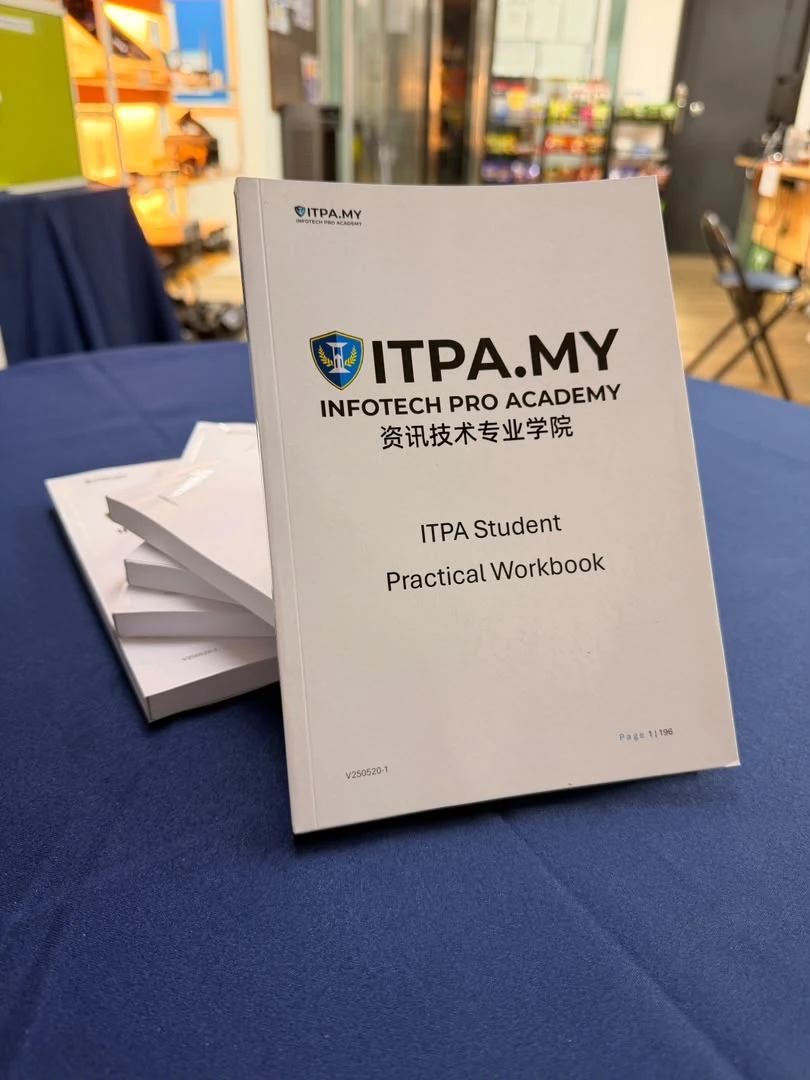
Students work through academy-developed practical exercises, record what they observed and explain the decisions they made. This develops both technical ability and the documentation habits needed in IT support.
Practical work cycle
1
Ask useful questions, identify the user’s need and prepare the right tools.
2
Configure, maintain or repair the system using a safe sequence.
3
Confirm that the system works and that the original problem is resolved.
4
Record the work and communicate the outcome in clear language.
Level 3 outcomes
Prepare computers, install software and assist users with routine technical needs.
Diagnose faults systematically instead of relying on guesswork.
Assist with servers, accounts, network connectivity and technical documentation.
Next step
Explore roles such as junior IT support, computer technician, service technician or network-support assistant.
Build advanced server, network, security, maintenance and IT-management capability.
Explore Level 4Job titles and entry requirements vary by employer. Practical competence, communication and continued learning all matter.
Start Level 3
Ask about the next intake, eligibility and monthly payment options.