
Inspect
Identify parts and condition
Students learn to recognise components, connections, wear, damage and common equipment variations.
Give equipment a second purpose
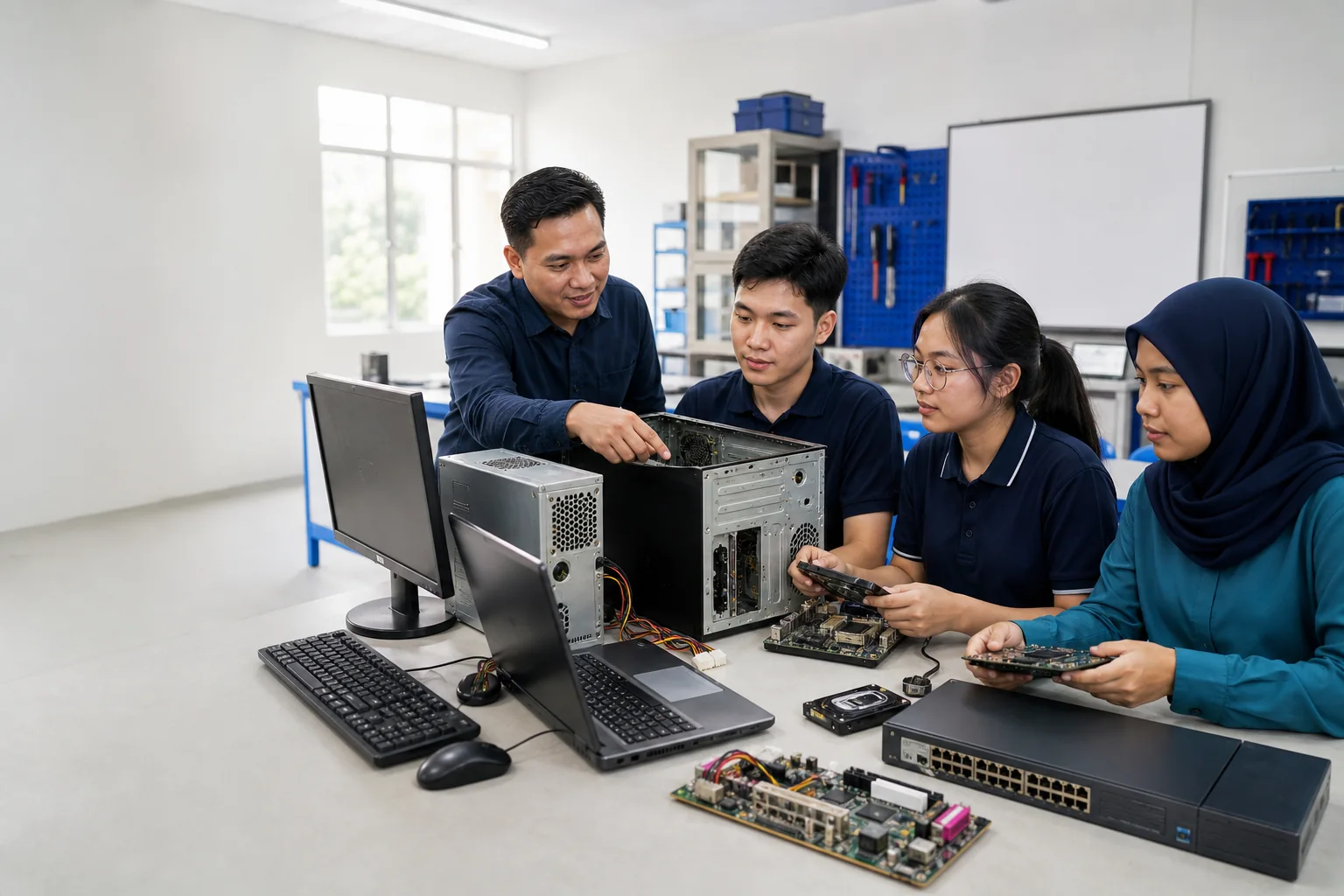
Suitable computers, devices and parts give ITPA students real equipment to inspect, diagnose, dismantle, reassemble and learn from under instructor supervision.
Our purpose
Textbooks and demonstrations are useful, but students build confidence by working through the condition, construction and problems of real devices.
Inspect
Students learn to recognise components, connections, wear, damage and common equipment variations.
Diagnose
Suitable devices can support fault finding, testing, maintenance planning and clear technical documentation.
Reuse
Where practical, equipment may be refurbished for learning activities or used as controlled training components.
All student activities are selected and supervised by ITPA instructors according to the item’s condition and training value.
Items we can assess
Please send a list and photographs before transporting anything. Acceptance depends on safety, available storage, condition and usefulness for current training.
Complete computers, non-working units, internal components, chargers and compatible accessories.
Servers, switches, routers, network cards, cables and related business equipment.
Older mobile devices and tablets may be considered individually after a condition and safety check.
Printers, monitors, keyboards, mice and other suitable computer or electronic accessories.
Do not bring swollen or leaking batteries, broken glass, chemical contamination or other hazardous items. Contact ITPA first about batteries, CRT displays, large appliances or unusual equipment.
Before you donate
01
Tell us the item type, quantity, condition and location. Photographs help us assess it.
02
Back up anything needed, sign out of accounts, erase storage and remove SIM or memory cards.
03
ITPA confirms which items can be accepted and whether drop-off or collection can be discussed.
04
Agree on the Penang or Kuala Lumpur location, date, access and responsible contact person.
Important responsibilities
ITPA cannot guarantee data recovery prevention or certified data destruction. Donors must securely erase sensitive information before handover.
Equipment with hazardous contamination, unsafe batteries, sharp damage or other risks may not be suitable for a student environment.
ITPA accepts items for education when they are useful and manageable. Unconfirmed items should not be left at either location.
Who can contribute
Offer unused household computers or devices after removing personal data and accounts.
Discuss batches of retired IT equipment, model lists, quantities and handover requirements.
Contribute suitable learning equipment or coordinate a collection after confirming requirements.
Before bringing any equipment
Our team will confirm whether the items are suitable for training and explain the available handover arrangement.